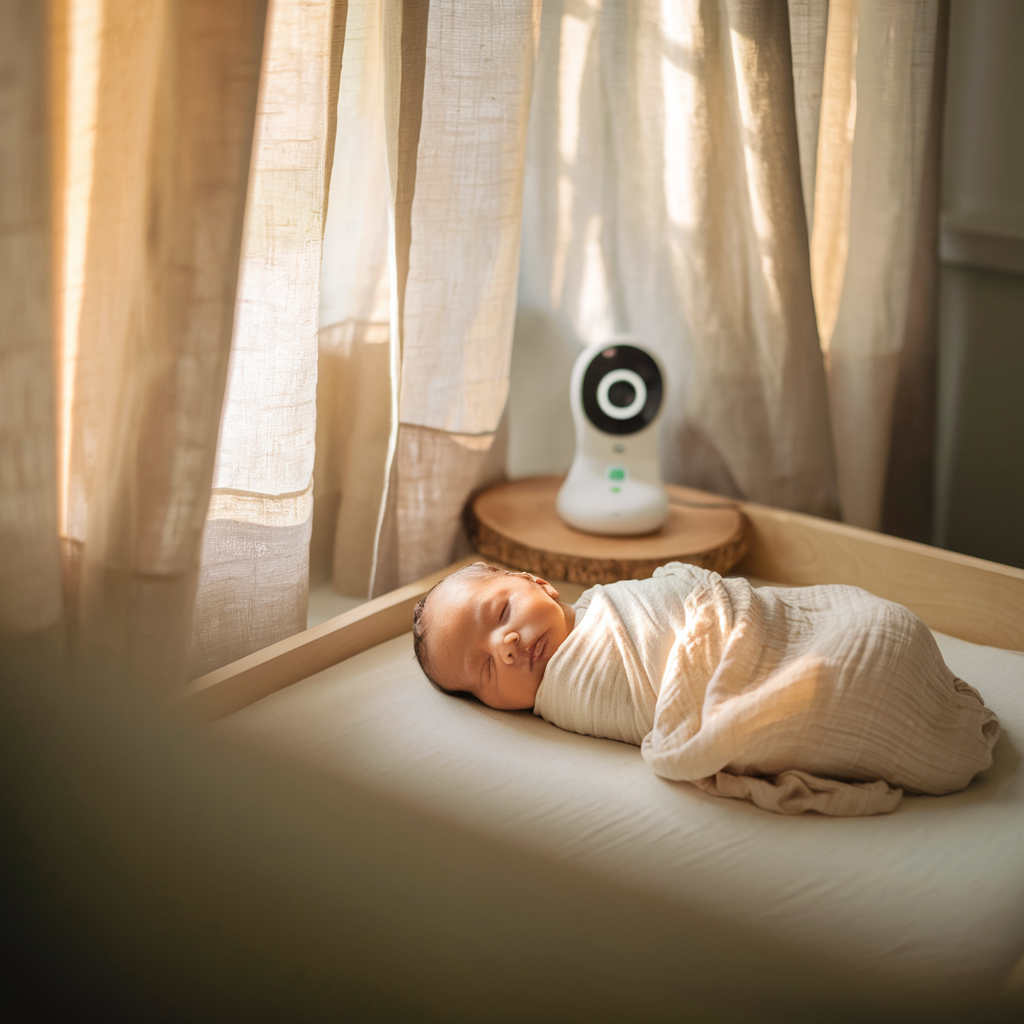
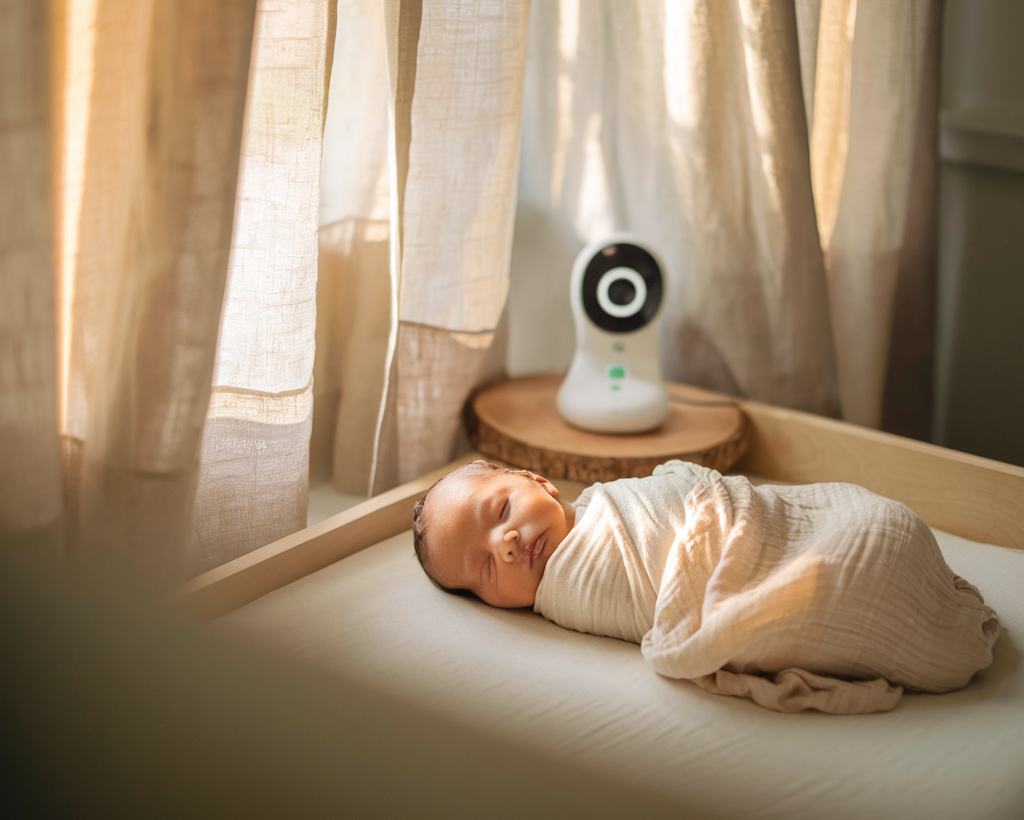
Baby monitors divide into audio-only, video, and smart/sensor monitors. The right choice depends on your home layout, anxiety level, and whether you actually need the features you’re paying for.
What to look for in a baby monitor
Range — how far does the signal reach in your specific home? Walls and floors degrade signal. Battery life on parent unit — a monitor that dies by midnight is useless. Night vision quality — colour night vision clearer than grainy infrared. Two-way audio — useful for settling a stirring baby from another room. Temperature display — useful for monitoring room temperature.
Budget: Motorola MBP36XL — ~£80
A dedicated 2.4GHz monitor that doesn’t run through your home WiFi — won’t stop working if broadband goes down and isn’t vulnerable to hacking. The 5-inch screen is large and clear for the price. Night vision is basic infrared but adequate. For parents who want reliable monitoring without complexity, the absence of smart features is a feature not a limitation.
Pros: Reliable signal, large screen, no WiFi dependency, good range, two-way audio
Cons: Basic infrared night vision, no app, no pan/tilt on base model
Best for: Parents who want reliable monitoring without smart features or app dependency
Mid-range: Eufy SpaceView Pro — ~£140
5-inch HD screen, colour night vision at medium light levels, smooth pan and tilt, battery that lasts the full night. No cloud subscription required. One of the most consistent recommendations in parent communities for reliable video monitoring without a subscription.
Pros: Excellent night vision, pan/tilt, long battery, no subscription, HD quality
Cons: WiFi-only camera, app connectivity requires setup
Best for: Parents wanting quality video monitoring with no ongoing subscription costs
Premium: Nanit Pro — ~£300 + subscription
A top-down AI camera tracking sleep patterns and breathing motion. The app is excellent and image quality best available in the consumer market. The ongoing subscription (£5–10/month for full features) is a real cost. For parents with significant infant anxiety, the investment is often justified.
Pros: Outstanding image quality, breathing motion monitoring, sleep analytics, excellent app
Cons: Expensive, ongoing subscription for full features, top-down mount only
Best for: Parents with infant health anxiety, those wanting sleep tracking data
Which type is right for you
Before buying any monitor: walk your home at night and assess whether you’d hear crying without one. Most two-bedroom UK homes don’t need a monitor at all. When a monitor is needed: audio is sufficient for most situations; video adds reassurance for parents who would otherwise check the room repeatedly; smart features add value only if you’ll use the data. For the first 6 months when NHS guidance recommends room-sharing, a monitor is redundant.
Frequently Asked Questions
Do I need a smart monitor or will audio-only do?
Audio-only is sufficient for most situations. Video becomes more useful as babies become mobile. For the newborn period, audio is often enough.
Are WiFi monitors safe from hacking?
No consumer WiFi device is entirely hack-proof, but practical risk is very low with a strong password and updated router firmware.
My baby moves during sleep — do I need pan and tilt?
Yes from when the baby is mobile enough to be anywhere in the cot at night — typically from 3–4 months when rolling starts. A fixed-angle camera that shows one corner becomes useless when the baby sleeps in a different position. Pan-tilt-zoom from the parent unit is significantly more useful than a fixed wide-angle lens.
WiFi monitor vs dedicated monitor: the security question
The security concern with WiFi baby monitors is real but manageable. Practical steps that reduce risk to near-zero for most households: set a strong unique password on the monitor (not the factory default), ensure your home router uses WPA3 or WPA2 security with a strong password, buy from reputable brands that issue regular firmware security updates, and enable two-factor authentication where the app supports it. A dedicated non-WiFi monitor (DECT 2.4GHz) eliminates the concern entirely — the signal is encrypted point-to-point between camera and parent unit with no cloud component. For parents for whom internet security is a genuine priority, this is the cleaner solution.
Related Reading
- Safe sleep for newborns: the complete ABCs guide
- Nursery essentials checklist: what you actually need vs nice-to-haves
Disclosure: This post contains affiliate links. If you buy through our links we may earn a small commission at no extra cost to you. We research products independently and are never paid to recommend specific items.
Found this helpful? Sign up to the LylyMama newsletter for honest, researched guides on everything you need in pregnancy and early parenthood.
The MBP36XL has a 5-inch screen — the largest in the budget category — and remains one of the best non-WiFi video monitors at its price. Two-way audio allows you to soothe without entering the room. Range covers most UK houses comfortably.
The SpaceView Pro’s colour night vision at low light levels is the most significant upgrade over the standard SpaceView. The parent unit display is large and crisp. No WiFi means no monthly costs and no cloud security vulnerabilities — a genuine advantage over smart monitors at similar prices.
The top-down mount position captures sleep position data and breathing motion via the Nanit Breathing Wear (sold separately). The app provides week-on-week sleep trend data from approximately 4 months when patterns become meaningful. Full features require a paid subscription after initial period.